Archive Extraction (Unzip)
Locate the downloaded GBPTool_v4.1_Release.zip file. Right-click the archive and select "Extract All" to a secure directory. This process decrypts the application binaries for local execution.
Software Installation
Open the extracted folder and execute the Setup.exe file as an Administrator. Follow the on-screen configuration wizard. This will register the DLL libraries and establish a secure bridge with our global servers.
Application Initialization
Once the installation is complete, a desktop shortcut will appear. Double-click the GBPTOOL Application icon. Wait for the splash screen to verify your integrity signature.
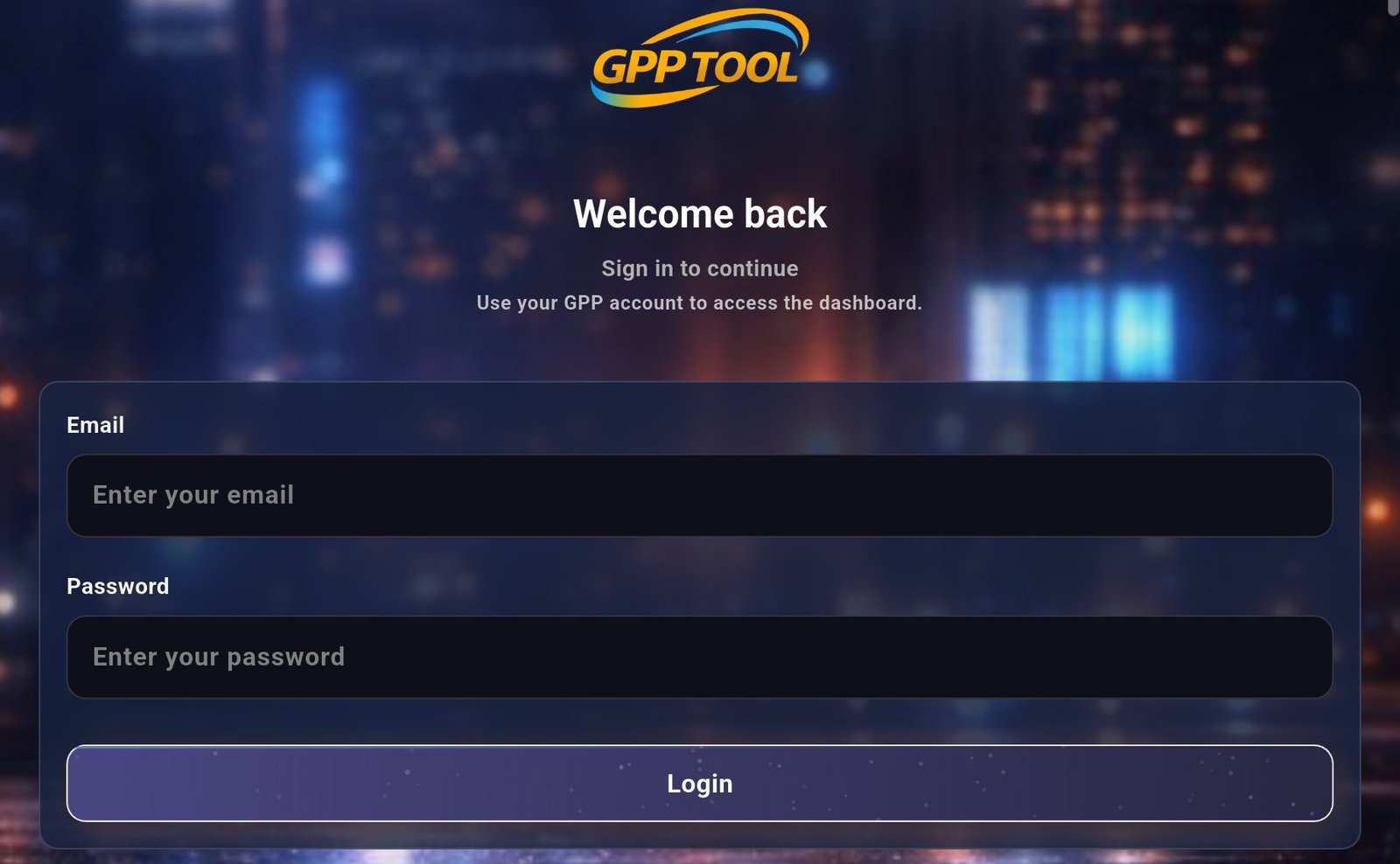
Account Synchronization
Enter your Registered Global Business Account credentials. Ensure the email used matches the one provided during the checkout process.
Credentials are encrypted locally via RSA-4096 before being processed.
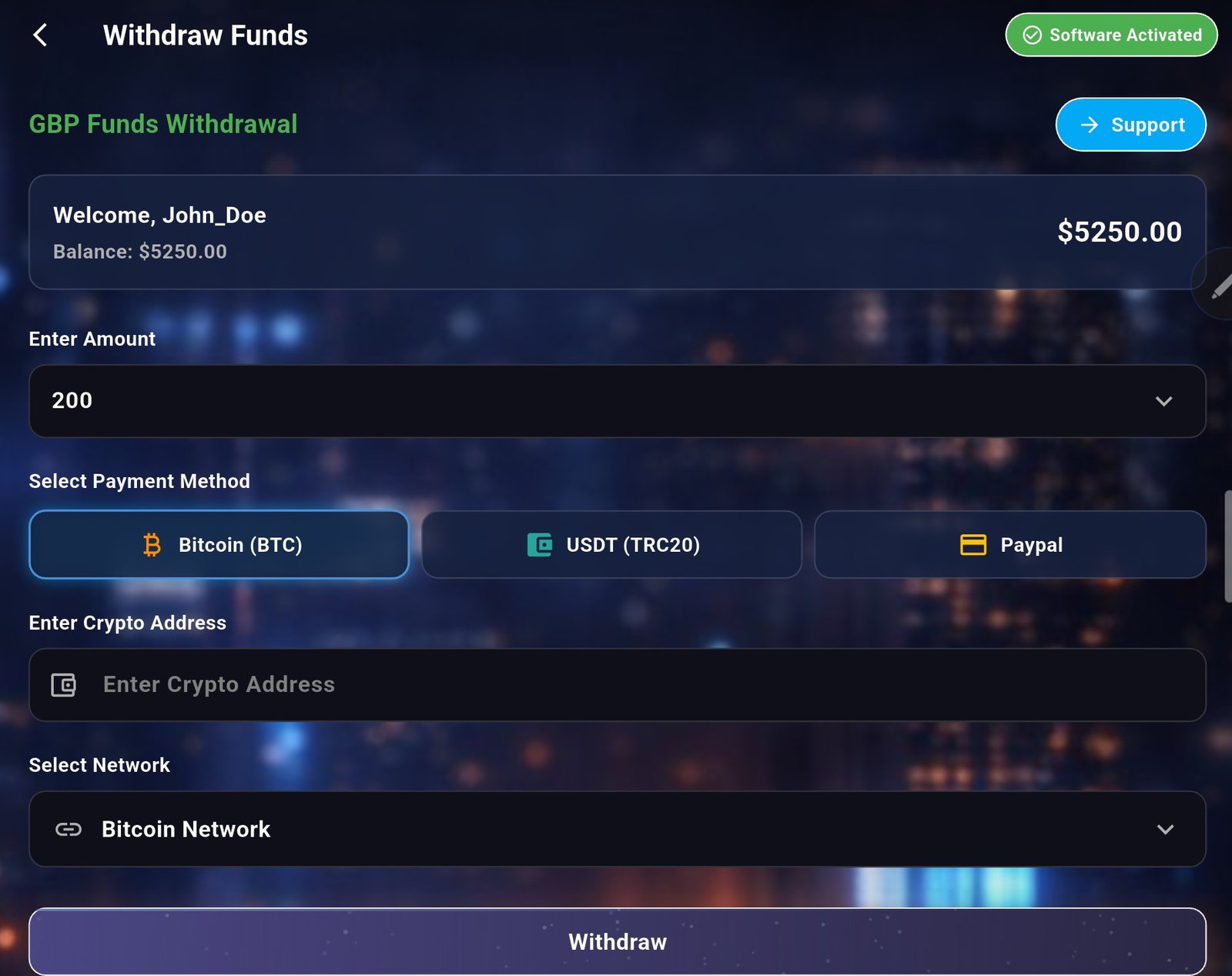
Withdrawal Configuration
Navigate to the "Financial Management" tab. Select your preferred payout currency (BTC, ETH, or USDT). The system will automatically calculate the real-time exchange rates to optimize your liquidity. Click "Confirm Withdrawal" to initiate the settlement.